
Plutos
"Simple, private budgeting."
Track expenses. Set budgets. Reach your goals. All without an account, internet connection, or giving up your data.
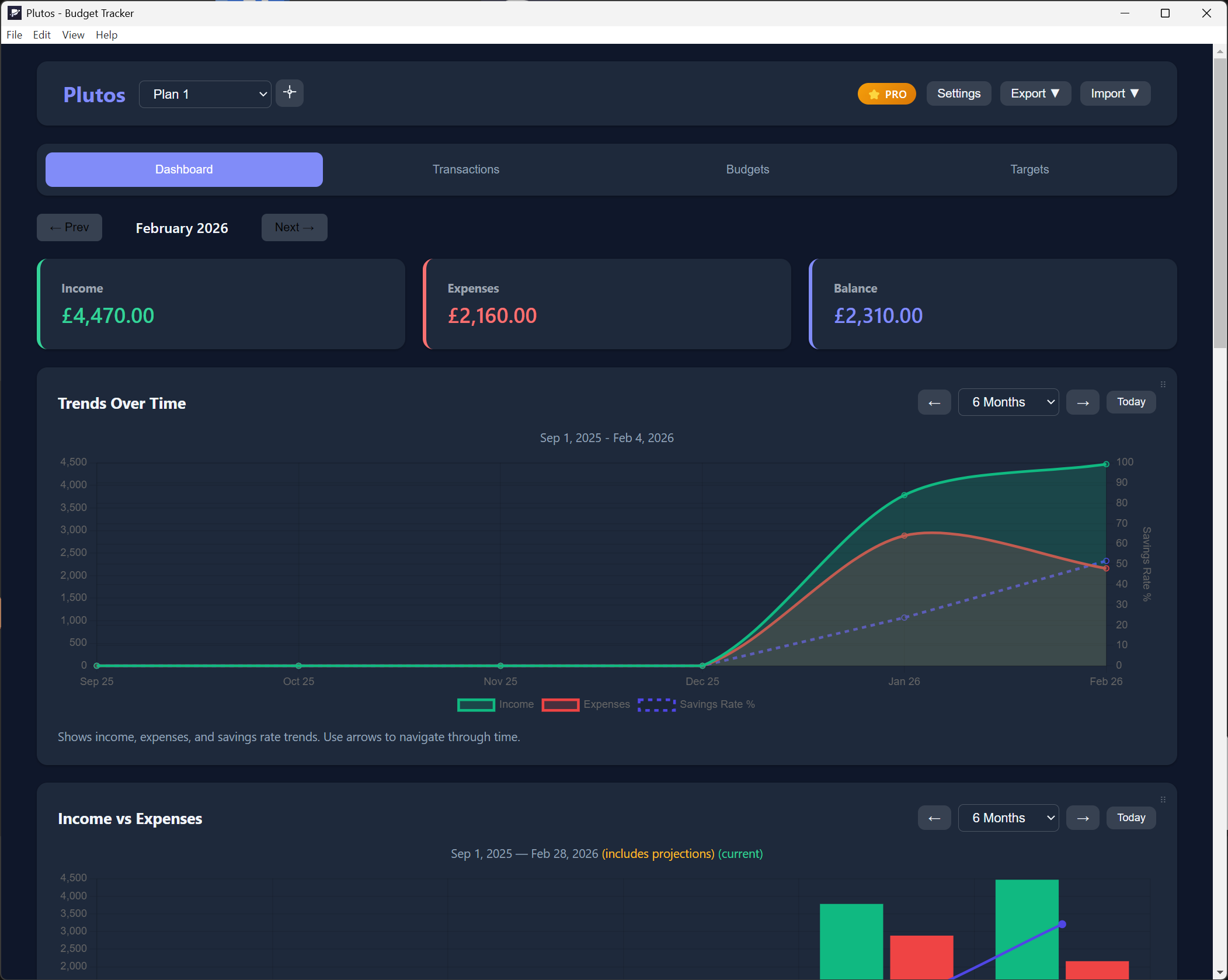
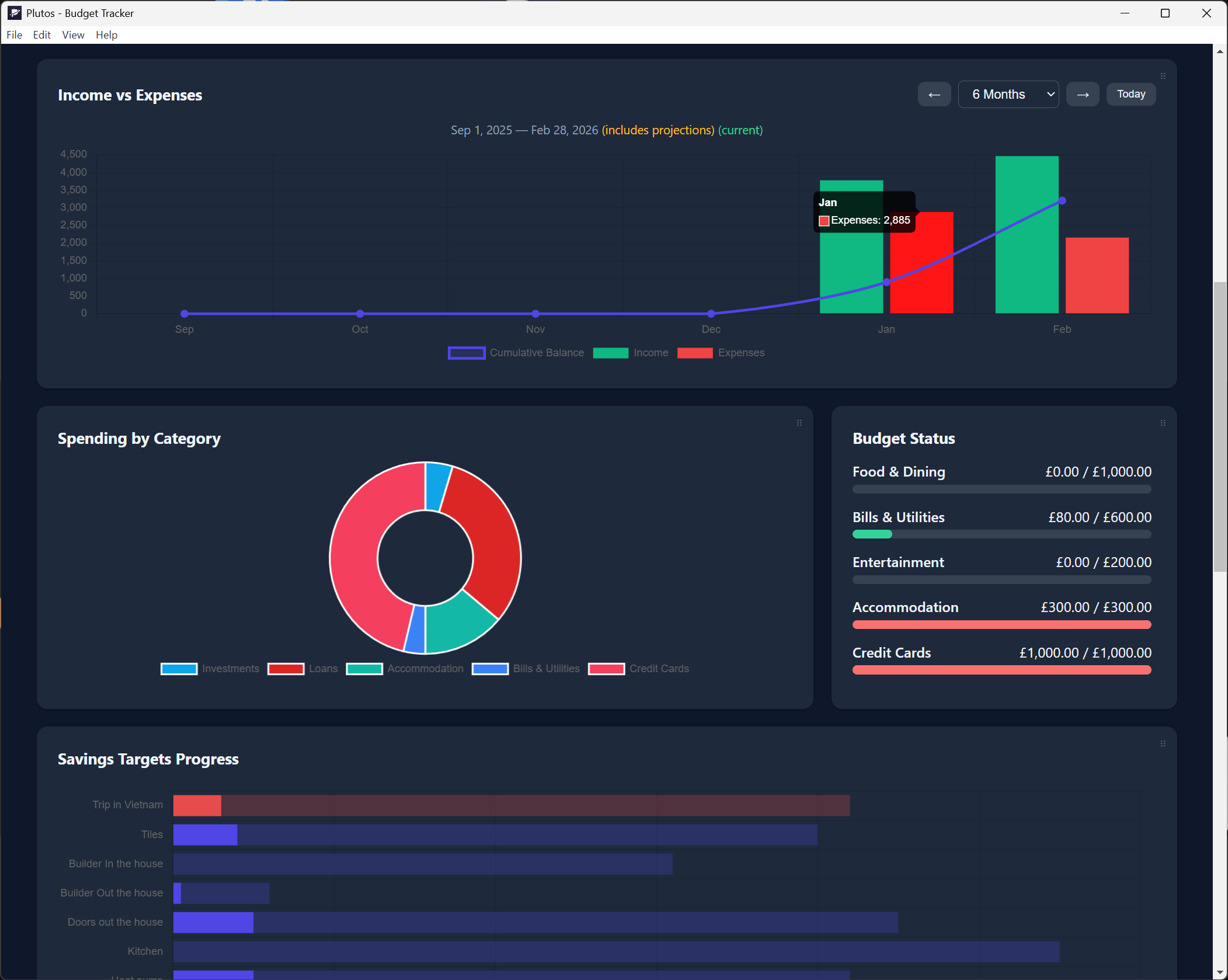
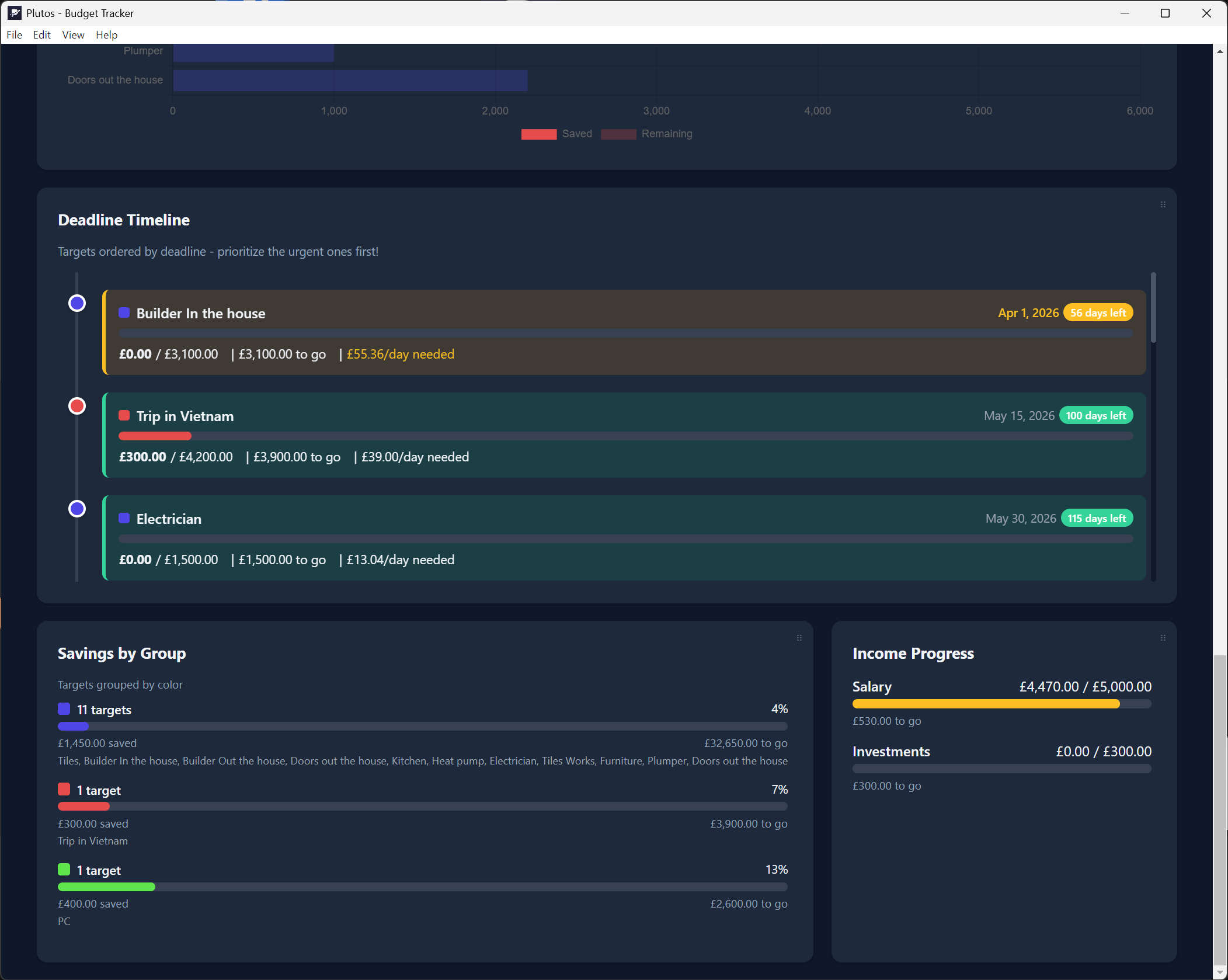
Dashboard Overview
"Simple, private budgeting."
Track expenses. Set budgets. Reach your goals. All without an account, internet connection, or giving up your data.
6 essential features. Zero servers. Your finances never leave your computer.
See your complete financial picture at a glance with spending trends and budget status.
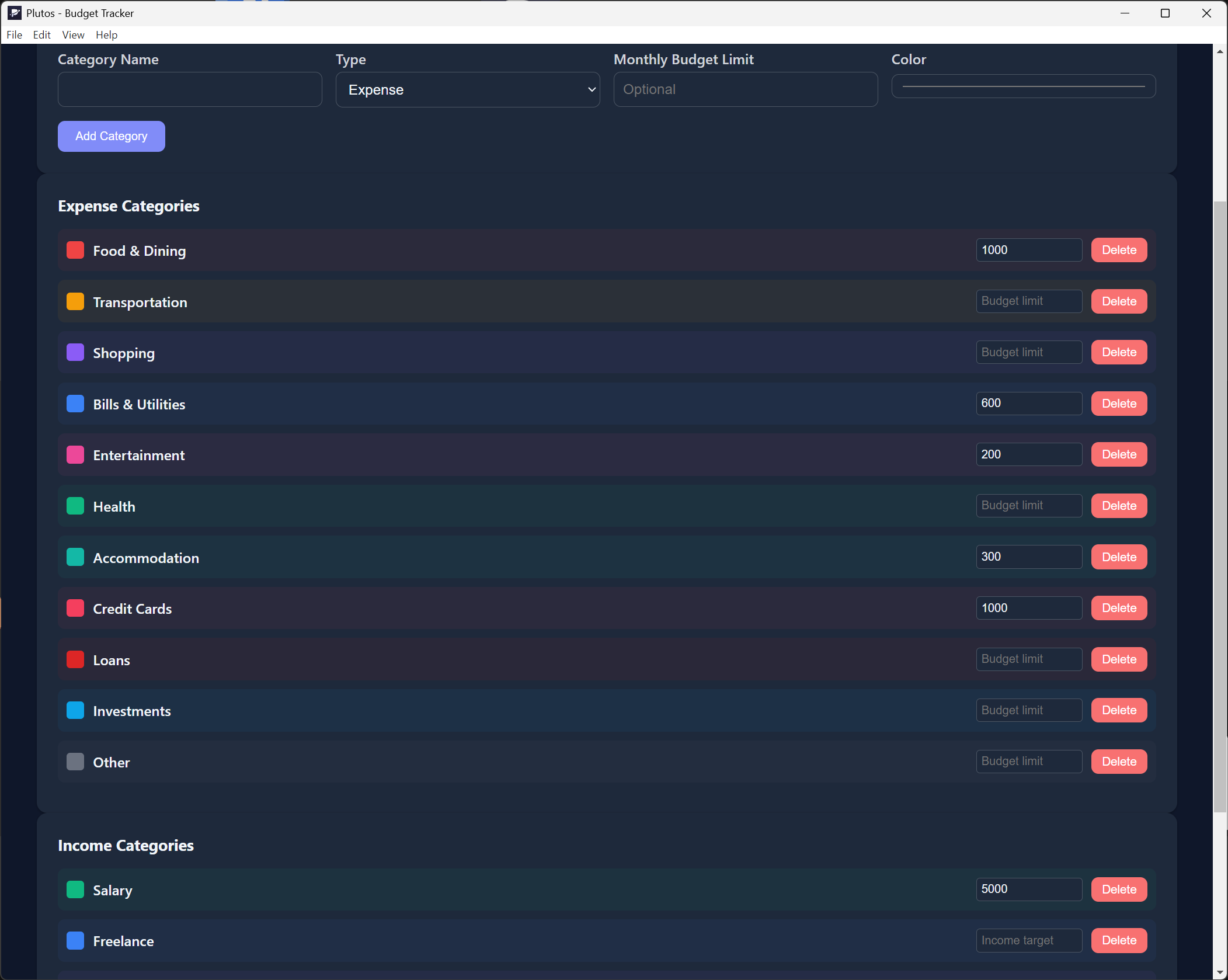
Log income and expenses with custom categories. Search, filter, and organize easily.
Create custom budgets for any category with visual progress indicators.
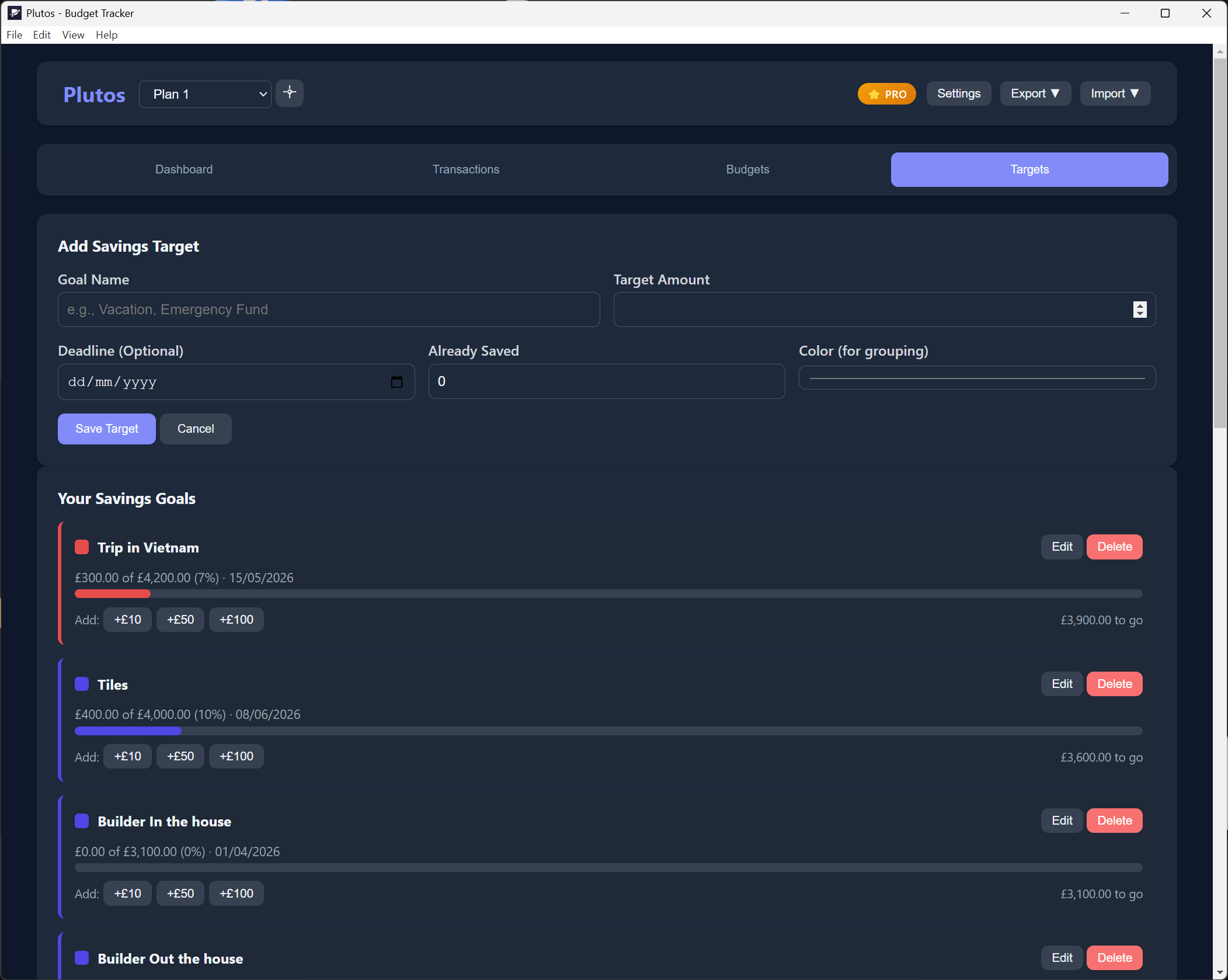
Set goals and track progress toward things you're saving for.
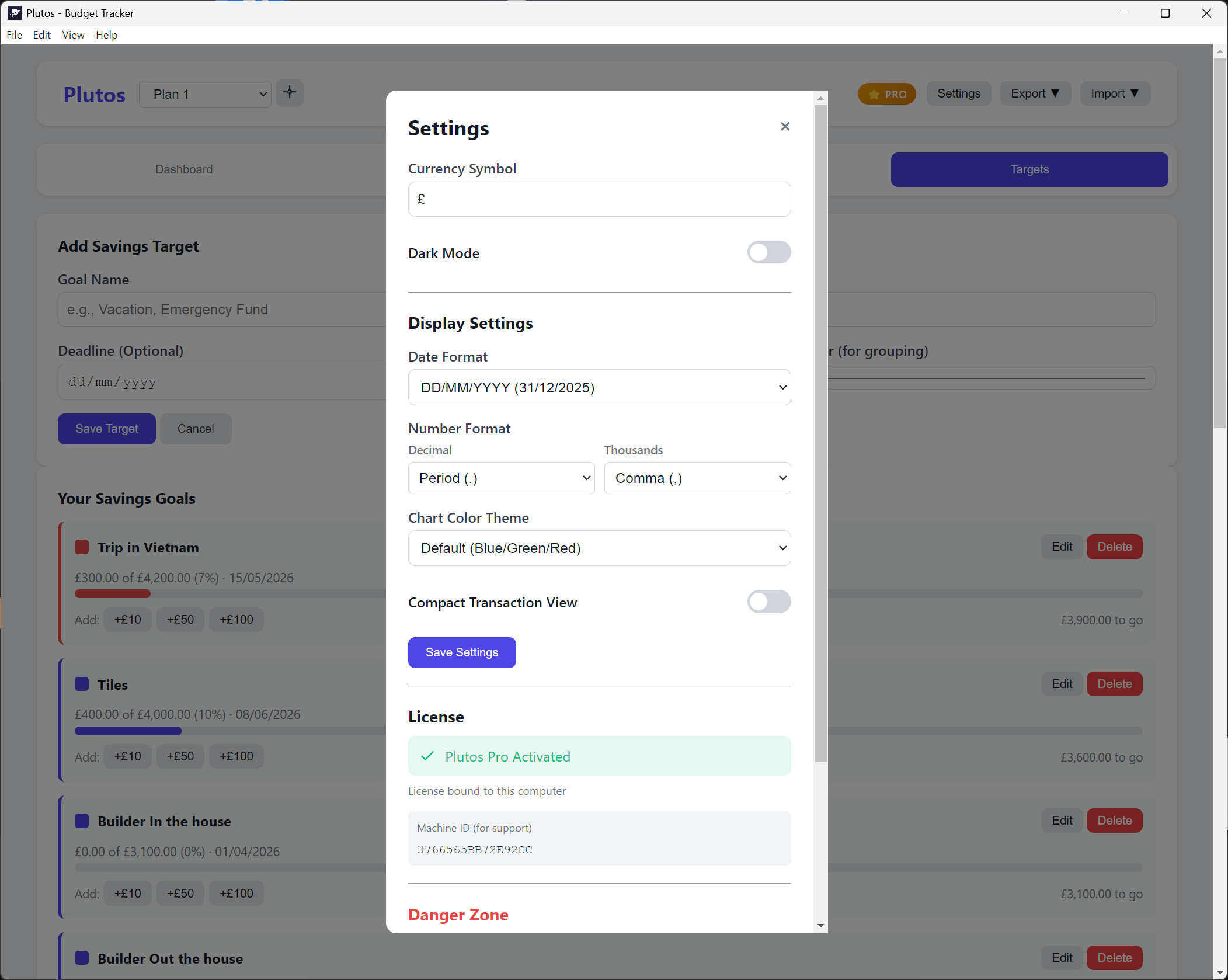
Easy on the eyes, day or night. Matches your system preference.
Export data to CSV or JSON anytime. Your data, your format, your control.
Start free, upgrade when you need more. No subscriptions.
Free
£0
Everything you need to start budgeting.
Pro
£19 one-time
Full power. Pay once, own forever.
Free download for Windows and Mac. No account required.
Windows: [checksum will be added when builds are finalized]
macOS: [checksum will be added when builds are finalized]
Yes! No time limits, no trial periods, no hidden fees.
All data stays locally on your computer. We never see it.
Yes! Your Pro license covers up to 3 devices you personally own and control.
Yes, 30-day money-back guarantee on Pro purchases.
Use the Export feature to save your data as JSON or CSV. Store the file anywhere you like — cloud storage, USB drive, or another folder.
Purchase a Pro license, then enter your license key in Settings → License. Your data stays intact — nothing is lost during upgrade.
Not yet, but it's on our roadmap. Join our mailing list to be notified when it's available.
Yes! Plutos supports CSV import. Export your transactions from your bank or other budget app, then import them into Plutos.